I’ve programmed dozens of Tesla Homelink systems for our Renton clients over the years, and I can tell you that the process is straightforward once you understand the steps. Tesla’s built-in Homelink feature lets you control your garage door directly from your vehicle’s touchscreen, eliminating the need for a separate remote clipped to your visor.
Whether you’re driving a Model 3, Model Y, or any Tesla with Homelink capability, getting it synced with your garage door opener takes just a few minutes. Let me walk you through exactly how we do it.
Table of Contents
What You Need Before Starting the Programming Process
Before you begin programming your Tesla Homelink, you’ll need access to your garage door opener’s “Learn” button. This button is typically located on the back or side of the motor unit hanging from your garage ceiling.
Most modern openers we install in Renton, including LiftMaster, Chamberlain, and Genie models, have this button clearly labeled. You may need a ladder to reach it, so have one ready before you start.
Step-by-Step Programming Instructions for Your Tesla
First, park your Tesla inside or directly in front of your garage. On your Tesla’s touchscreen, tap the car icon at the bottom left, then select “Homelink” from the menu.
Next, tap “Create Homelink” and follow the on-screen prompts. Your Tesla will ask you to press the button on your existing garage door remote. Hold your current remote close to the Tesla logo on the front of your vehicle and press the button for about three seconds.
The touchscreen will indicate when it has successfully captured the signal. Now comes the crucial step that many people miss.
How Do I Complete the Homelink Connection With My Garage Opener?
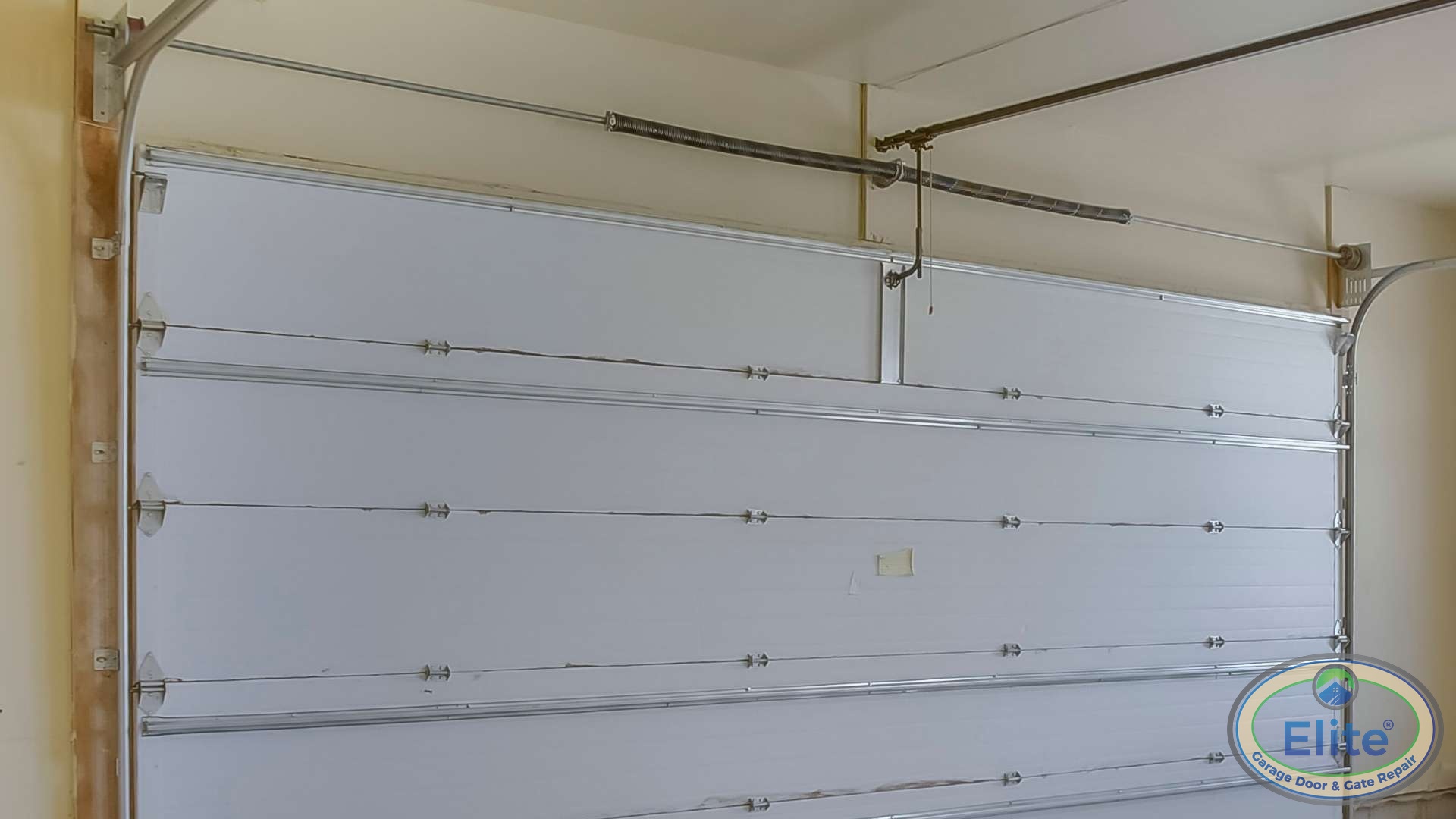
You must press the “Learn” button on your garage door opener within 30 seconds of capturing the signal on your Tesla. Walk to your garage door opener motor unit and press the Learn button once. It will typically flash or light up to indicate it’s in learning mode.
Return to your Tesla and press the Homelink button on the touchscreen. Your garage door should respond within a few seconds. If it works, your programming is complete, and if you’re looking to upgrade your entire setup, you can explore options for New Garage Doors that integrate seamlessly with modern technology.
Troubleshooting Common Homelink Programming Issues in Renton
If your garage door doesn’t respond after following these steps, the most common issue I see is timing. The 30-second window between capturing the signal and pressing the Learn button is strict.
Another frequent problem involves older opener models. If your garage door opener was installed before 1996, it may use a fixed-code system that’s incompatible with Tesla’s rolling-code technology. We’ve replaced several older units in the Renton Highlands and Fairwood areas specifically for this reason, and our Door Designer tool can help you visualize modern replacement options.
Pacific Northwest weather can also affect wireless signals. If you’re experiencing intermittent connectivity, moisture in your opener’s circuit board might be the culprit.
Setting Up Location-Based Auto-Open Features
Once your Homelink is programmed, Tesla allows you to set location-based triggers. Your garage door can automatically open when you arrive home and close when you leave.
To enable this feature, tap the Homelink icon on your touchscreen and select your saved garage. Toggle on “Auto-open” or “Auto-close” and adjust the location pin if needed. I recommend testing this feature several times before relying on it daily, and if you don’t have a garage yet, you might want to learn How To Convert Your Carport Into A Garage to take full advantage of this technology.
Professional Assistance When You Need It
While programming Tesla Homelink is usually straightforward, some garage door systems require professional configuration. If you’ve followed these steps and your Tesla still won’t communicate with your garage door, there may be compatibility issues with your opener model.
Our team at Elite Garage Door & Gate Repair has extensive experience integrating smart vehicle systems with garage door openers throughout Renton and King County. We can diagnose connection problems, upgrade incompatible openers, and ensure your Tesla Homelink works flawlessly every time you pull into your driveway, and we can also show you How To Safely Test Your Garage Door’s Safety Features to keep your system working properly. Give us a call, and we’ll have you driving in and out of your garage with the tap of a screen.